









Article
Facebook and Instagram Ads for Small Online Stores: A Beginner Plan

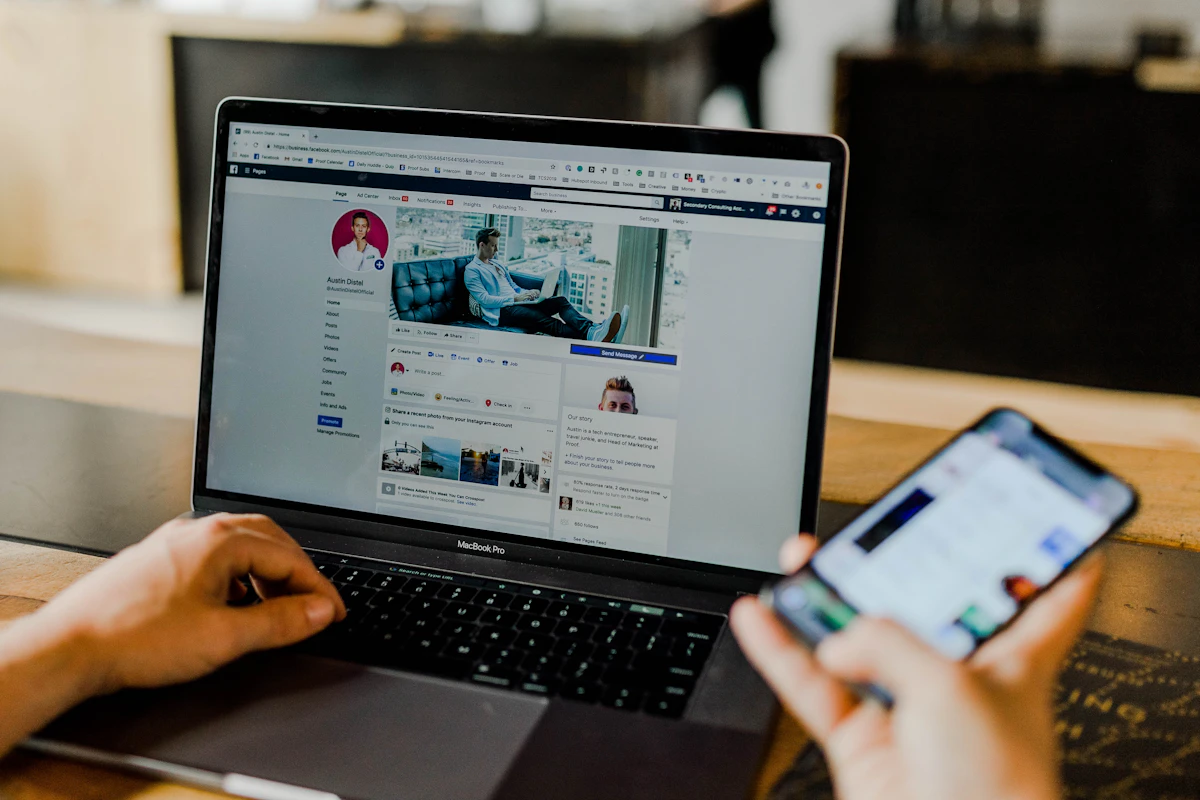
Facebook and Instagram ads, both run through Meta's ad tools, are one of the most common ways Malaysian online stores find new customers. You can reach people by location, interests and behaviour, and start with a modest budget.
They can also burn money fast if you jump in without a plan. Boosting random posts and hoping for sales is the most expensive way to learn. This beginner plan helps you start in a structured way and learn from every ringgit you spend.
Get the basics in place first
Before spending on ads, check that your store is ready to convert the traffic you pay for:
- Product pages with clear photos, prices, descriptions and shipping info
- A checkout that works smoothly on mobile
- Payment options your customers trust
- The Meta Pixel or Conversions API set up so you can track purchases
- A Facebook Page and Instagram account that look active and trustworthy
If you send paid traffic to a slow site with confusing pages, no amount of ad tweaking will fix your results. Our checkout friction audit is a good place to start.
Pick one clear goal
Meta's ad tools ask you to choose an objective. For an online store, the most useful is usually sales, optimised for purchases, once your tracking works. If your pixel has very little data, some stores start with traffic or engagement to build an audience, but be careful: cheap clicks do not always mean buyers.
Decide what success looks like before you start. For example, "get first sales from a new product" or "find out which of three products attracts buyers at a reasonable cost". A clear goal makes it easier to judge results.
Start with simple audiences
Beginners often overcomplicate targeting. A simple structure works well:
- Broad audience: Malaysia, or your delivery area, with basic age and gender filters if they truly matter. Let the system find buyers.
- Interest audience: people interested in topics related to your product, such as home cooking, fitness or skincare.
- Retargeting audience: people who visited your site, viewed products or added to cart but did not buy.
Retargeting is often the most efficient, because these people already know you. Make sure you run it as soon as you have enough site visitors.
Key takeaway: the creative usually matters more than the targeting. A great video shown to a broad audience often beats a weak image shown to a perfectly chosen niche.
Make creatives that stop the scroll
Your ad is competing with friends' photos, news and entertainment. It needs to grab attention in the first second. Ideas that tend to work for small stores:
- Short vertical videos showing the product in real use
- Before-and-after demonstrations, where honest and allowed
- Customer reviews or unboxing clips, with permission
- Simple, bright product photos with a clear benefit in the text
- Founder videos explaining why the product exists
Write the main text in the language your customers use, whether English, Bahasa Melayu or a natural mix. Keep the first line strong because the rest is often hidden. Always include a clear call to action like "Shop now" or "Order today".
Set a test budget and stick to it
Decide on a monthly test budget you can afford to lose while learning. Split it across a small number of ad sets rather than dozens. Give each test enough time and spend to gather data before judging it. Changing ads every day resets learning and makes results harder to read.
A simple first test might compare two or three creatives against the same audience. Whichever brings purchases at the lowest cost becomes your starting winner.

Read results the right way
Ads Manager shows many numbers. Focus on the ones that tie to sales:
- Cost per purchase: how much you pay, on average, for each sale
- Return on ad spend: revenue from ads divided by ad cost
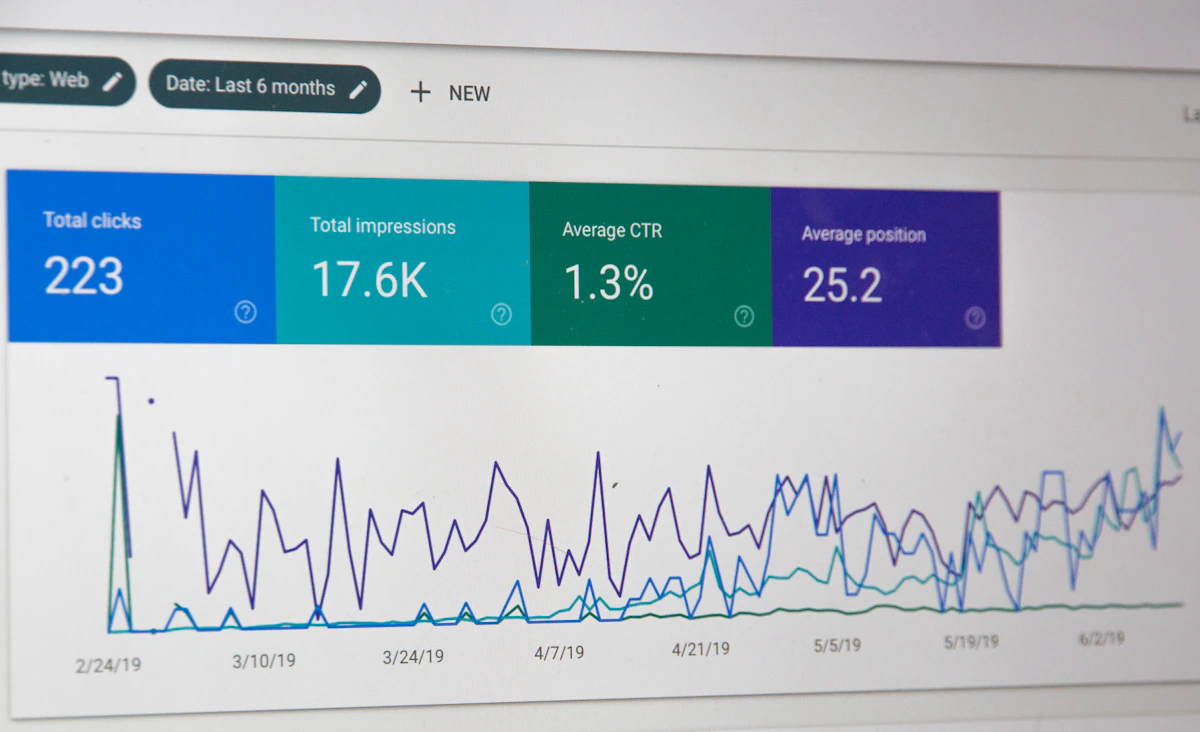
- Click-through rate: a signal of how attractive your ad is
- Add-to-cart and checkout rates: a signal of whether your site converts
Compare cost per purchase with your profit per order. If each sale costs more in ads than you make in profit, the campaign is losing money, even if revenue looks impressive. Our guide to pricing after fees and shipping helps you know your true profit.
Scale slowly
When an ad set works well, increase the budget gradually rather than doubling it overnight. Sudden jumps can push costs up. Keep refreshing creatives every few weeks, since audiences get tired of seeing the same ad.
FAQ
How much should I spend on my first ads?
Spend an amount you can afford to learn with, spread over a few weeks. The right figure depends on your product price and margins.
Should I boost posts or use Ads Manager?
Boosting is quick but limited. Ads Manager gives more control over objectives, audiences and tracking, which helps online stores measure sales properly.
Why am I getting clicks but no sales?
Check your product page, price, shipping cost and checkout. Clicks without sales usually point to a problem after the click, not with the ad itself.
Facebook and Instagram ads reward patience and testing. Prepare your store, start simple, focus on strong creatives, measure against real profit and scale what works step by step.